

⚡ QUICK ANSWER
What should you do if you lose your phone at a festival?
If you lose your phone at a festival: immediately use Find My iPhone or Google Find My Device on someone else’s phone to locate it. Report to the festival’s lost property point — most major UK festivals have a central lost property office. Put your phone into Lost Mode (iPhone) or lock it remotely (Android) to prevent access. Check the festival’s official Facebook or Twitter for a lost property posts. Prevention: a bright case, a lockable bag, and location-sharing active before you arrive.
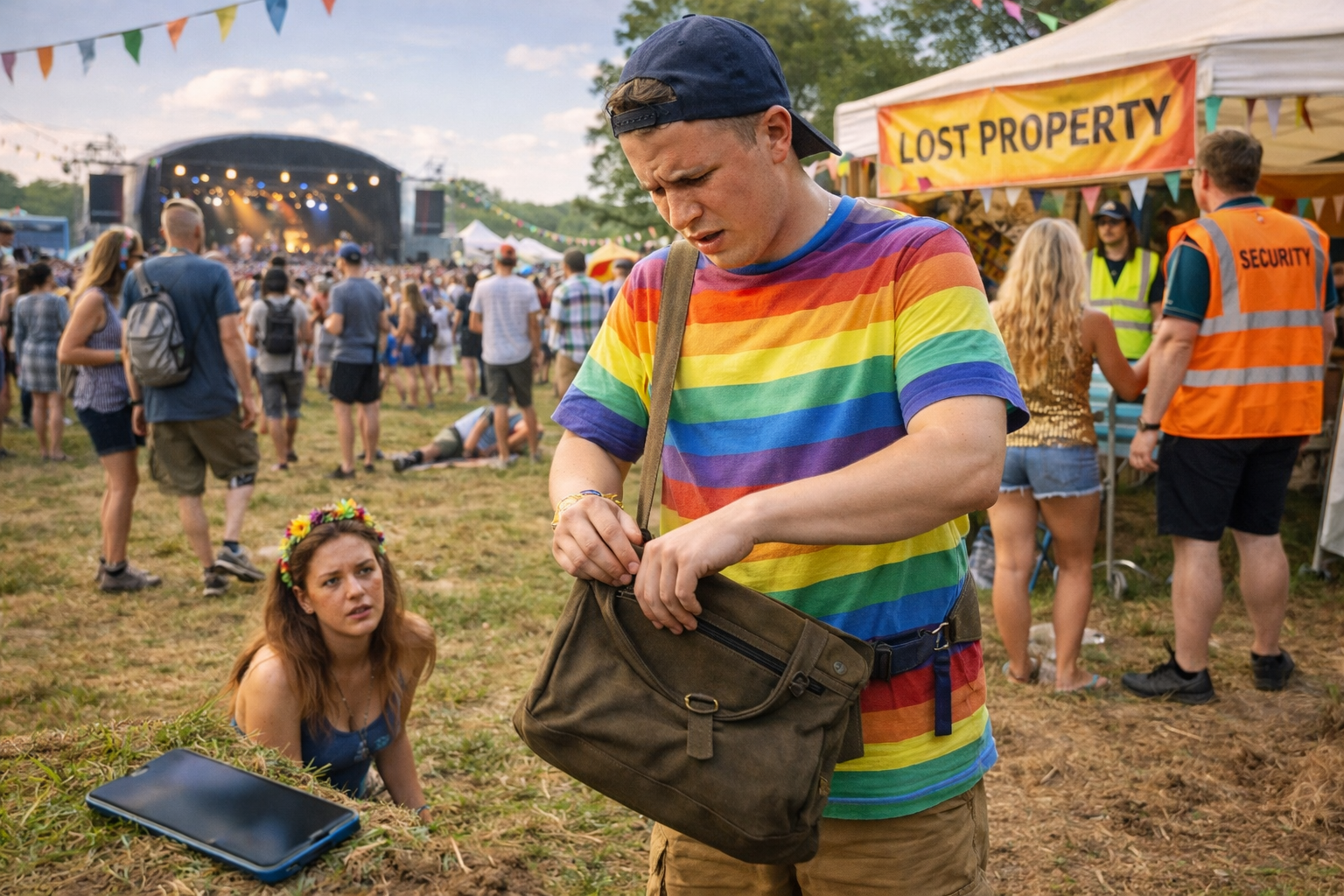
Losing your phone at a festival is a uniquely modern disaster — navigation gone, communication gone, battery bank for the weekend potentially gone with it. The good news: UK festivals have well-organised lost property systems, and modern phones have recovery tools that work even in low-signal festival environments. This guide covers both prevention and recovery.
Immediate Steps — The First 30 Minutes After Realising It’s Gone
- Stay calm and retrace. The last place you remember having it. The stage you just left. The ground at the last queue.
- Borrow a device and use Apple Find My or Google Find My. Sign into your account on another phone. If your phone is powered on and has any signal, you will see its last known location on a map.
- Make your phone ring. If location shows it’s close, make it ring at maximum volume. Crowds are noisy but a ringing phone near a stage boundary may be heard.
- Put it into Lost Mode (iPhone) / Lock it remotely (Android). This displays a message with a contact number on the lock screen and prevents anyone from accessing your data.
- Report to the festival’s lost property point immediately. Most major festivals have a central lost property desk near the information tent or welfare area. Give your phone make, model, colour, and case description.
- Post on the festival’s official Facebook group and any festival-specific social media groups. Phones found by honest attendees are frequently reunited through social media within hours.
How Lost Property Works at Major UK Festivals
| Festival | Lost Property Location | Hours | What to Bring |
|---|---|---|---|
| Glastonbury | Information Point near Pyramid Stage and Green Fields | Daily, check festival app for exact hours | Photo ID; description of phone; serial number if possible |
| Reading Festival | Main information point near arena entrance | Daily during festival hours | Photo ID; description |
| Leeds Festival | Information hub near main entrance | Daily during festival hours | Photo ID; description |
| Download | Festival information centre near main gates | Check festival app | Photo ID; description |
| Generic advice | Ask any member of festival staff or security — they will direct you to lost property | Varies | Photo ID always helps |
After the Festival — Claiming Lost Property
- Most major UK festivals extend their lost property service for several days after the event ends
- Items not collected on-site are typically stored by a third-party lost property service — the festival will advertise this on their website
- Glastonbury uses a specific external service — check the festival website after the event for the address and opening hours
- Report the loss to your phone network provider — they can block the IMEI number so the device cannot be used on UK networks even if unlocked
- Report to Action Fraud (actionfraud.police.uk) if the phone was stolen rather than lost — you will need a crime reference number for insurance claims
Prevention — How to Not Lose Your Phone at a Festival
The Festival Security Tips UK 2026 guide covers valuables broadly. Phone-specific prevention:
| Method | Effectiveness | Cost | Notes |
|---|---|---|---|
| Bright or distinctive phone case | High for finding if dropped; no help if stolen | Bright phone case UK | Neon orange, yellow, or a distinctive pattern makes your phone visually unique in lost property |
| Lockable crossbody bag or bumbag | High — phone physically secured to body | Lockable bumbag UK | The most effective physical prevention |
| Phone case with wrist strap | High for dropping in crowds | Phone case with wrist strap UK | Prevents drop-and-lose in mosh pits and crowds |
| Apple AirTag in phone case | High for finding a lost phone without signal | Apple AirTag UK | If the phone is found by another iPhone user, AirTag network can locate it passively |
| Location sharing active before signal drops | High — last known location visible after signal loss | Free | Google Maps location sharing or Apple Find My — share with a trusted contact before you go in |
| Waterproof case | Prevents water damage in mud/rain adding to the loss | Waterproof phone case UK | Particularly useful at Glastonbury and other muddy events |
Managing the Festival Without Your Phone
If recovery fails and you are managing a festival weekend without a phone:
- Borrow paper maps from the information point. Every major festival has printed site maps — get one immediately.
- Arrange check-in times with your group at a fixed physical location. Pre-agree a meeting point and time for each day — ‘5pm by the main stage entrance, every day’ removes the need for communication technology.
- Use the festival information point as your communication hub. Festival staff can help relay messages, have access to paper timetables, and can assist in multiple practical ways.
- Borrow a power bank from a campsite neighbour for emergency situations. Most attendees carry power banks — the festival community is generally helpful.
- Enjoy the digital detox. It is an unusual opportunity to experience a festival in the way it was experienced for decades before smartphones. Many people report it positively afterwards.
FREE DOWNLOAD
The Free Festival Survival Guide
Download the free Festival Survival Guide — includes essential security tips for phones and valuables.
📚 RELATED READING
Some links in this post are affiliate links (Amazon Associates). If you buy through them, we earn a small commission at no extra cost to you. We only recommend kit we genuinely believe in.
Discover more from The Mosh Manual
Subscribe to get the latest posts sent to your email.